Find gigs, send samples
and get paid
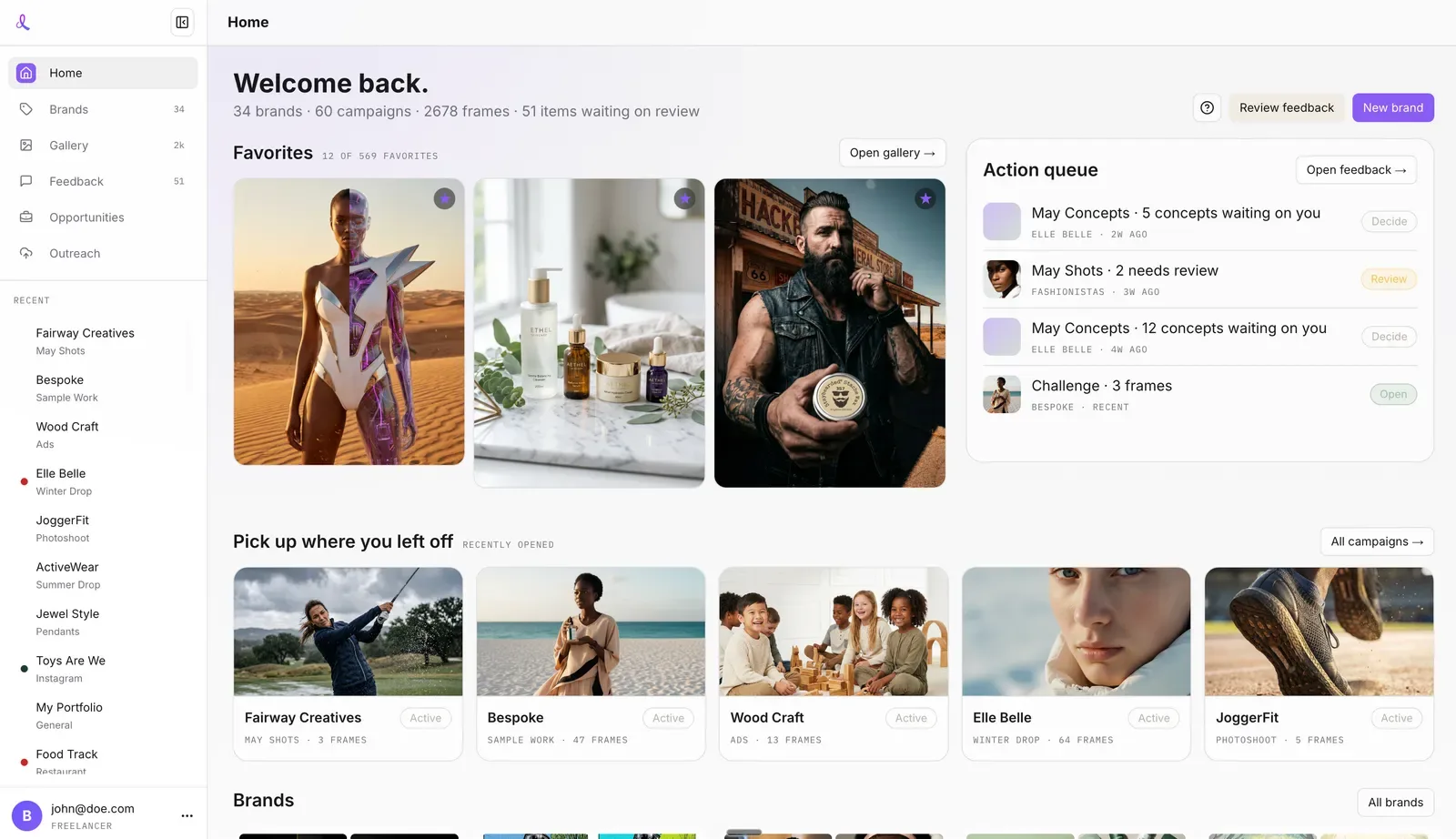
dezygn finds the latest gigs, helps you pitch with samples of the client’s own product, and delivers accurate, realistic, on-brand visuals in a fraction of the time.
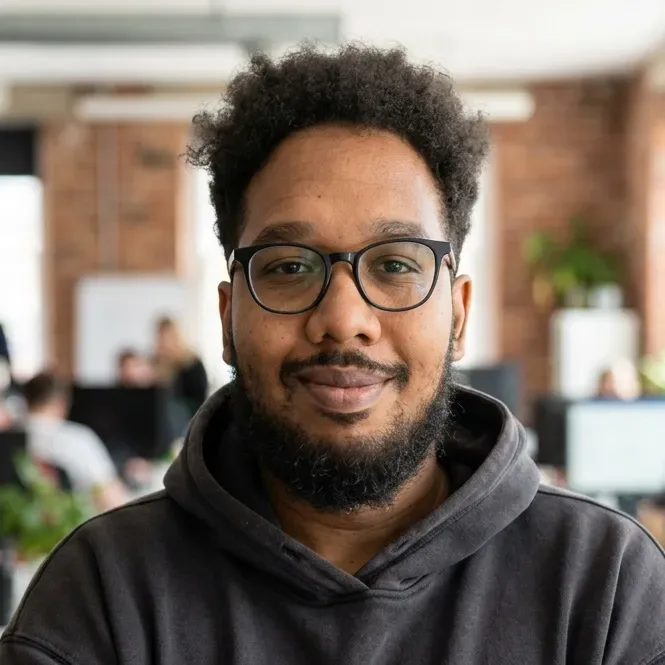
I make product photos for brands myself, and every job teaches me the same lesson. A client doesn’t care how clever the picture is if their product looks a little wrong.
The tools I needed to find the work, show proof early and keep every label true didn’t exist, so I built them for my own desk. Now the workshop is open to you.
Four jobs, each one done properly

Find gigs
Finding them is the boring part.
Brands are tired of the photoshoot ritual: the people, the logistics, the sandwiches on the day. So more and more of them are looking for someone who can make their product photos with AI.
dezygn does the digging for you and keeps the good ones in one list. When you sit down with your coffee, the latest gigs are already waiting.

Send samples
Show proof before you pitch.
Before you pitch a business, make a visual of their own product and ask if they want more. Your message lands next to a pile of copy-paste cover letters, and it is the only one with their product in it. I call it Proof-Before-Pitch.
A good sample takes time, and you need one for every lead. So you pick the gig, and dezygn makes the sample from one ordinary photo the client already has.

Get it right
4% sounds like nothing. Until it’s your client’s logo.
Once I put the same illustration on 10 different surfaces, and each one came out about 96% the same. That last 4% is the part the client notices first.
So dezygn doesn’t eyeball the image. It puts the real photo and the new one on the same grid, uses the eye as a ruler on a model, and reads the label letter by letter. If something has drifted, it gets fixed before you ever see it.

Get paid
They were buying certainty.
Clients ask for “20 lifestyle images”, and it is tempting to price the images. Listen a little longer and you often hear a whole collection being launched. What they want is to know every product will look right, today and next season.
That certainty is easy to show when the whole job lives in one link. Your client opens it, picks what they love, asks for tweaks right there, and downloads the finals. No account, no email chains, no “which version was it again?”
From first sample to first yes
“I just got this contract after 6 days with dezygn. First 10 products, 10 to 15 images for each product: AI-generated product with model, product in scene, and lifestyle photography. Over 100 products in total.”Milan, freelance product designer
“Now that I got my first yes, I really believe I can attract many more. Once you have good feedback, people trust you and it gets easier. It’s a snowball effect.”Jürgen, martial arts teacher, Germany. Found his first gig in dezygn and was hired four days after applying.
Results shown are real but not typical.
Start free, grow when the clients come
Every plan comes with Awa, our AI creative director, the course, the community, and a free strategy call with Bertrand to set up your studio.
Agency
For freelancers and small studios.
- 2,500 credits a month, about 1,250 images
- Enough for 3 to 4 clients a month
- Unlimited use of Awa, AI creative director
- Course, community and business resources
- Free founder strategy call
Studio
For high-volume studios and teams.
- 10,000 credits a month, about 5,000 images
- 7 or more clients a month
- Everything in Agency
- Dedicated onboarding and support
- Priority access to new features
Make your first sample today
Pick a gig, make a sample of the client’s own product, and send it before anyone else does. It’s free to start.
Run a brand? We make the photos for you. Get a free sample.