
Curate the winners
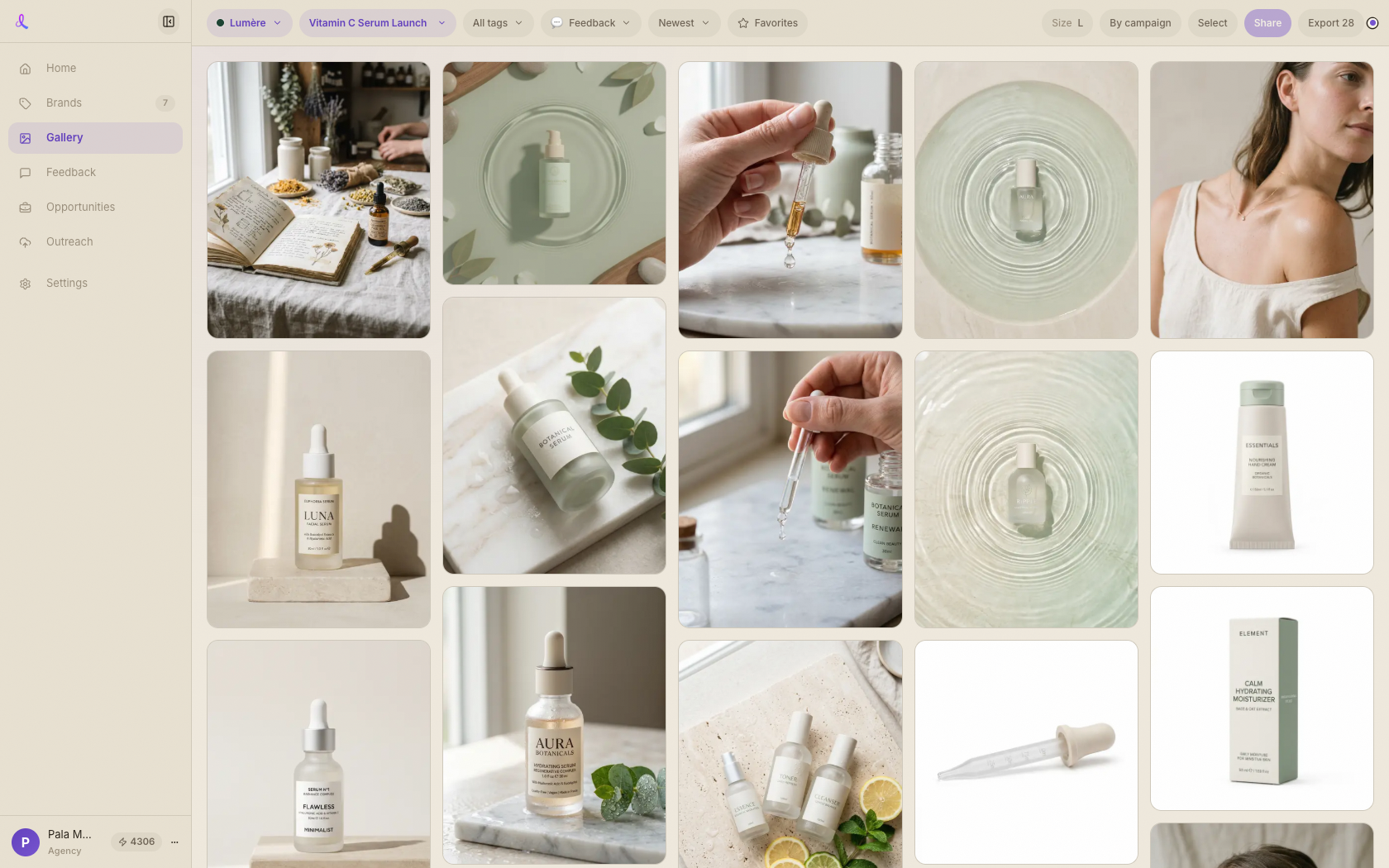
In the Gallery, star the frames you want the client to see. Selected frames are what the review room shows — so you control the edit.
Gallery · Client review
Star the winners in your gallery, share one clean review room, and let your client approve or comment image-by-image — feedback flows straight back to your workspace to revise and re-share until it's approved.
How it works
One stable room link carries every round. Curate, send, and watch decisions come back — no logins, no email threads, no lost feedback.
In the Gallery, star the frames you want the client to see. Selected frames are what the review room shows — so you control the edit.
Open the share drawer from the Gallery. Dezygn reuses the campaign's existing review room when there is one, or spins up a fresh one.
One stable room link covers every round you ever send for this client. Copy it and drop it into your own email or message.
They open a clean page — no login — and Select, Needs tweak, or Pass on each image, with a note where it helps.
Every decision flows into your Feedback inbox and the campaign chat, where you can send a frame straight into a revision and re-share the next round.
A client-facing review page that does the chasing for you.
Send one link, get a clear decision on every frame, and revise from the exact feedback — all in one loop.