
Open the canvas
Hit the Prompt toggle in the workspace action rail, or click the prompt excerpt in any frame's info drawer.
Prompt Canvas · Tao of the Prompt
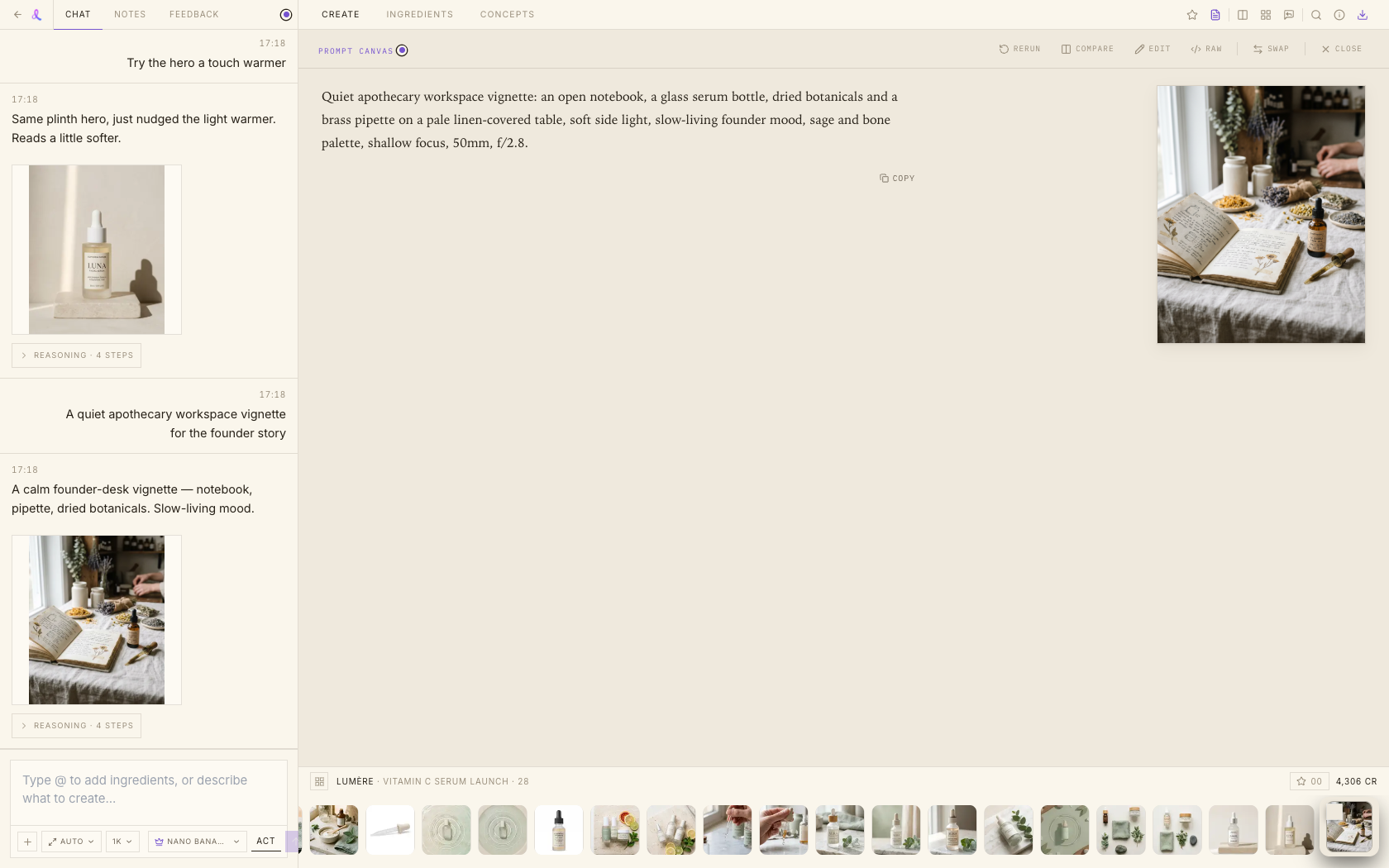
The prompt behind every frame, made readable — compare two frames word-by-word, edit the exact text, and resend it verbatim. Awa writes the words; you direct.
How it works
The prompt sits on the canvas — readable, comparable, editable, resendable. No more guessing what changed between two shots.
Hit the Prompt toggle in the workspace action rail, or click the prompt excerpt in any frame's info drawer.
One sentence per line in a serif reading view. [image1] tokens become chips. Flip Raw for a byte-exact copy.
Pick a second frame from the strip — you get both thumbnails plus one merged prompt with a word-level diff.
Edit the raw text; the send button shows an 'N words changed' badge and dispatches your wording verbatim.
More than a text box — a place to actually read and reason about prompts.
Stop gambling on loose wording. Read it, diff it, resend it — exactly.