
Import from a URL
Paste the client's website. Dezygn analyzes it and extracts the brand identity into a profile that Awa reads on every generation.
Brand Import
Paste a client's website URL and Dezygn extracts their brand for you. Every brand gets its own Ingredients library and prep tools, so every generation starts from clean, on-brand inputs.
How it works
Client onboarding shouldn't take a day of copy-pasting. Set the brand up once and reuse it on every campaign.
Paste the client's website. Dezygn analyzes it and extracts the brand identity into a profile that Awa reads on every generation.
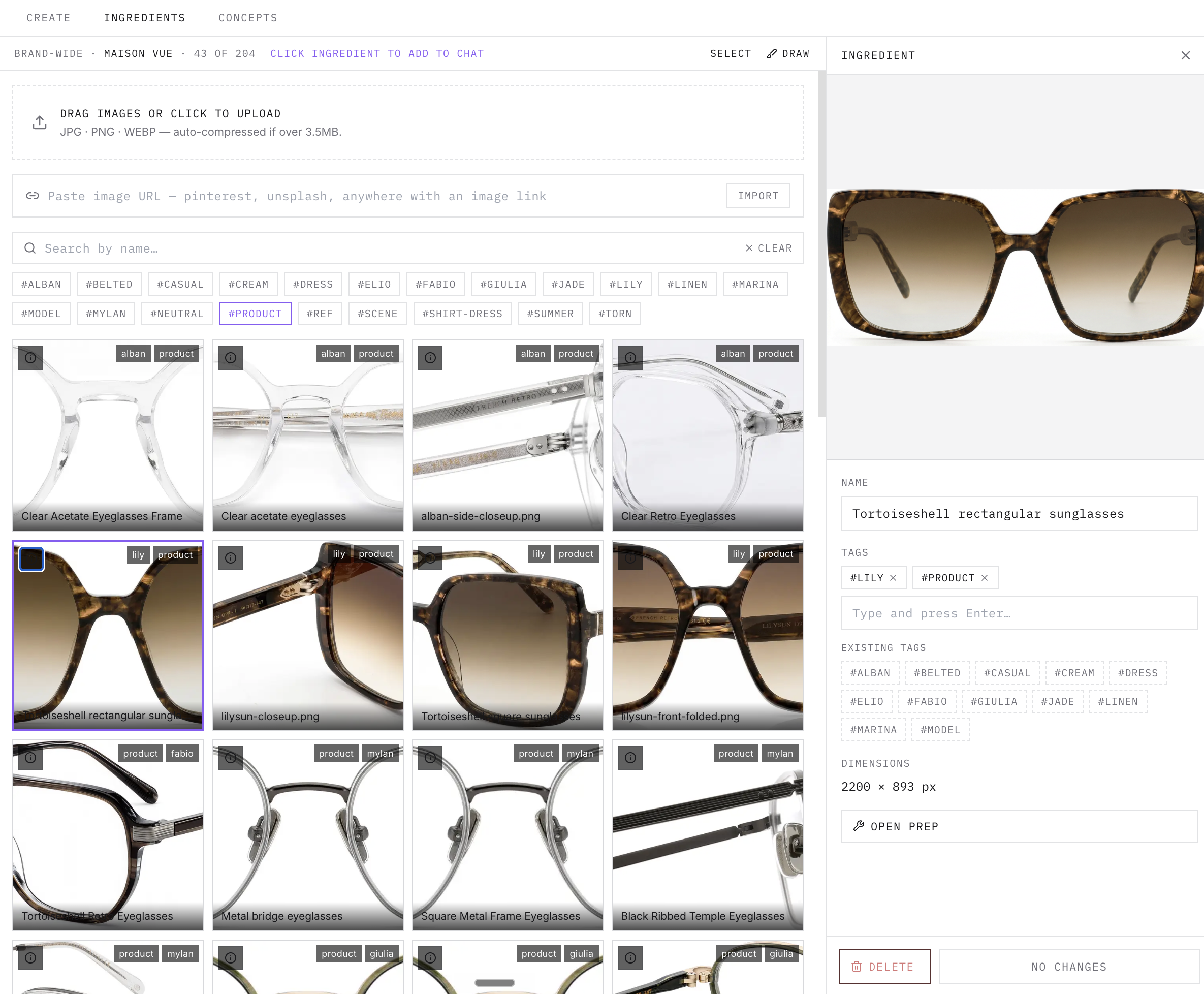
Bulk-upload product shots, logos, and references, or import images by URL. Everything is brand-wide and filterable by name or tag.
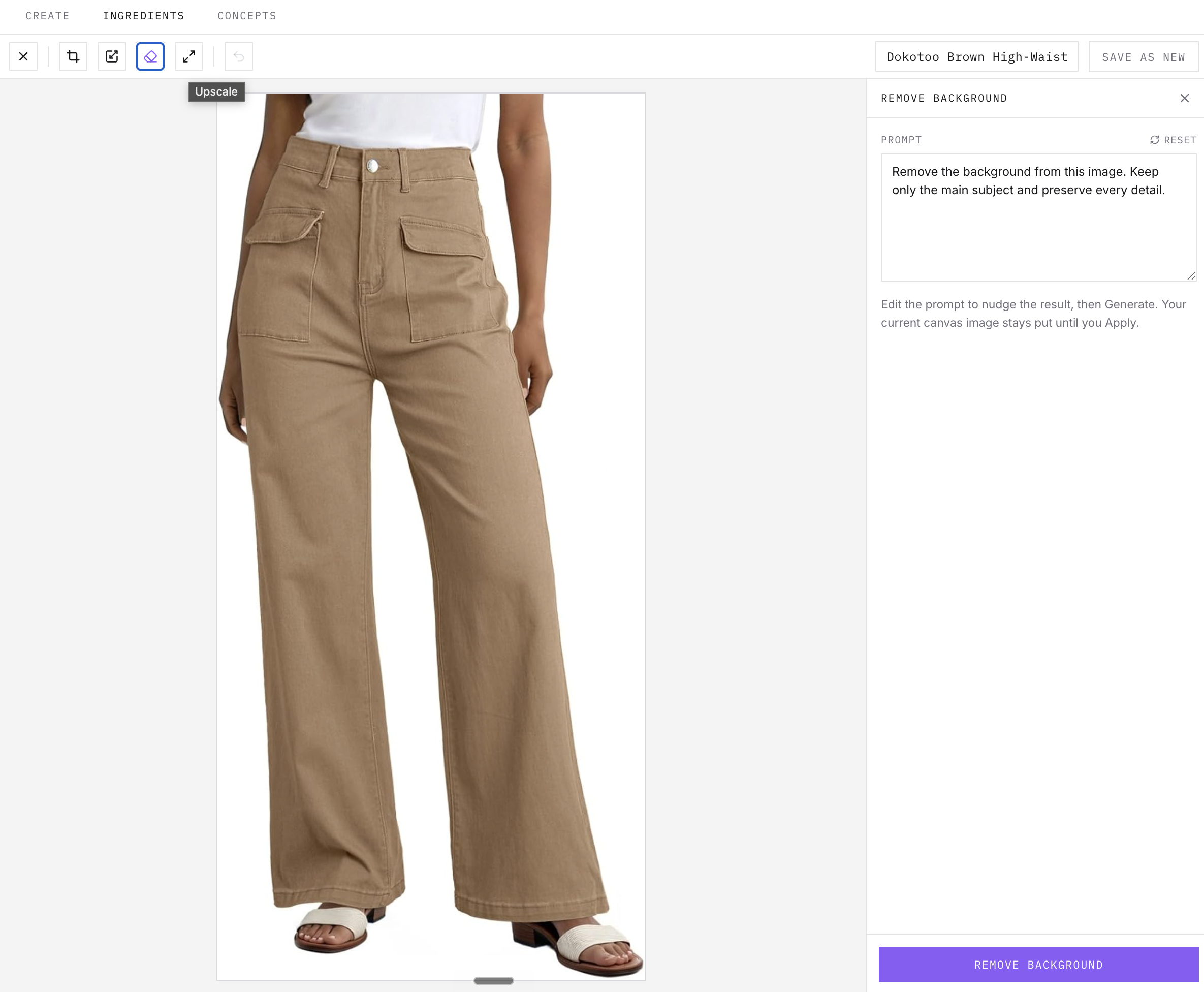
Crop, resize, remove backgrounds, and upscale inside Product Prep. Check the before/after comparison, then save the result as a new ingredient — the original stays intact.
Attach ingredients to any prompt with @image references. Awa uses your brand preferences, logos, and palettes as context.
Work is organized by Brand and Campaign — the way agencies actually run client accounts.
Keep exploring