
Open an ingredient
In the Ingredients tab, click any product asset to open its detail drawer, then hit *Open Prep* to enter the full-canvas prep workspace.
Product Prep · Clean it up first
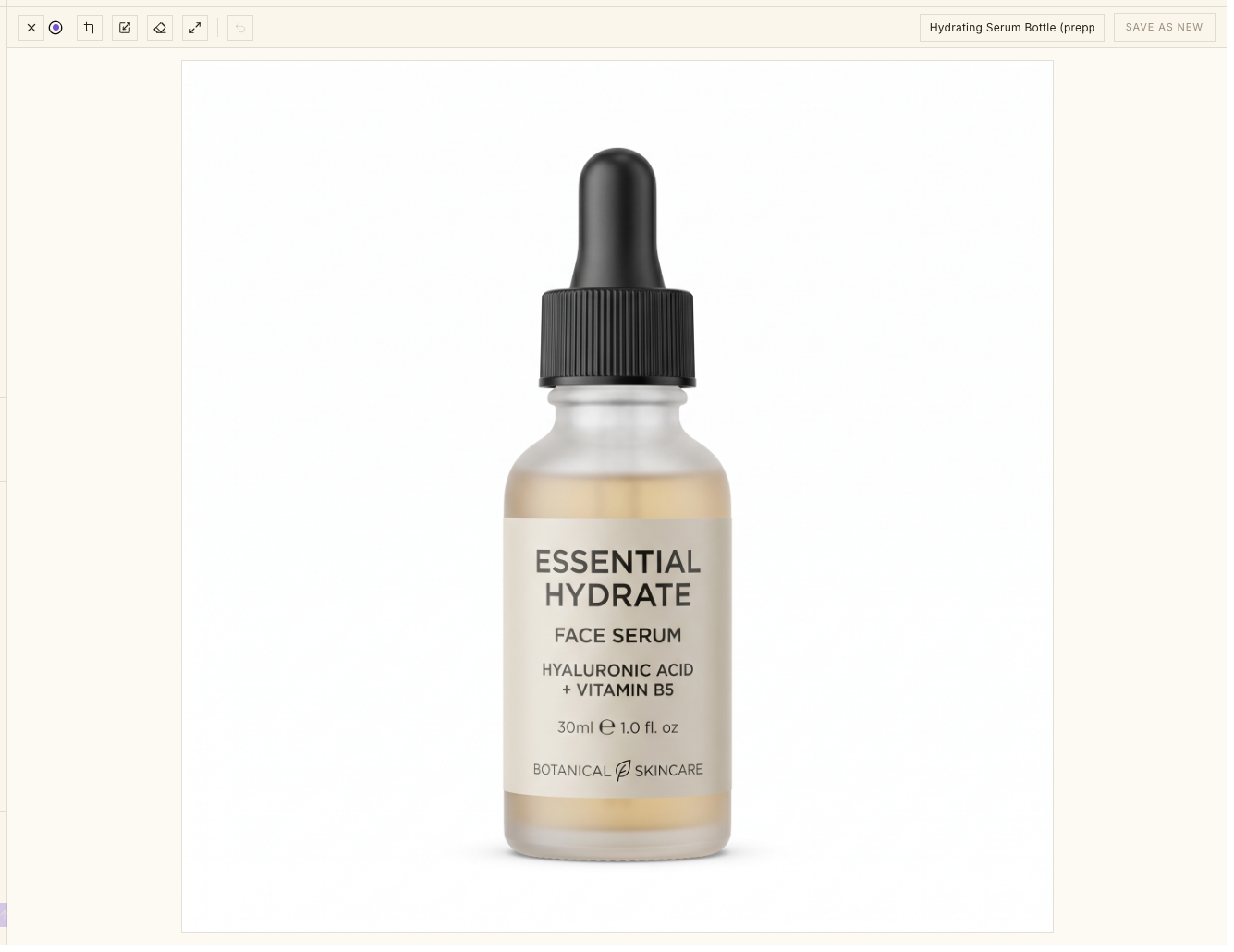
A quick crop-and-enhance station for your product shots — frame it right, sharpen and clean it up, then save it back as an ingredient Awa can build from.
How it works
Open prep on any ingredient, frame it, clean it up, and save it back. The original stays untouched — your prepped version becomes a new ingredient.
In the Ingredients tab, click any product asset to open its detail drawer, then hit *Open Prep* to enter the full-canvas prep workspace.
Drag the crop handles to reframe the shot, or resize with the aspect ratio locked so the product never stretches. These edits apply locally — instantly.
Run *Upscale* to sharpen and add resolution, or *Remove background* to clean up clutter and isolate the product. Awa's image engine does the work.
Every enhancement opens a before/after slider with Original and Upscaled (or BG Removed) labels. Drag to judge it, then *Use this version* or *Discard*.
Click *Generate Angles* and pick 5, 8, or 12 angles. Tiles fill in one by one as each angle finishes, about 90 seconds for the set. *Save* the ones you want as new ingredients, *Discard* the rest, or *Regenerate* a single tile if it missed. Angles the photo didn't actually show carry a *Verify against your product* badge — check those against a real photo before you trust them.
*Save as new* writes a fresh ingredient tagged *prepped* — your original source stays intact, and the clean version is ready to attach in chat.
Everything you need to make a phone snapshot look like a product still — without leaving Dezygn.
Keep exploring
A per-brand library of the products, logos, and references Awa actually uses — upload them, import from a URL, or draw your own, then drop them into any prompt with @.
Learn moreAwa is the conversational AI creative director inside every campaign — she writes the prompts, runs the shoot, critiques the results, and remembers your brand, so you direct in plain English.
Learn moreA blurry, cluttered product photo drags down every frame built on it. Fix it once, here.