Atelier
Pull any visual from your brand's gallery or ingredients, make the precise fixes AI can't — swap a detail, erase an object, lift an element, cut out the background — then compose and export a ship-ready piece, all in one studio.
Updated 2026-06-15
Overview
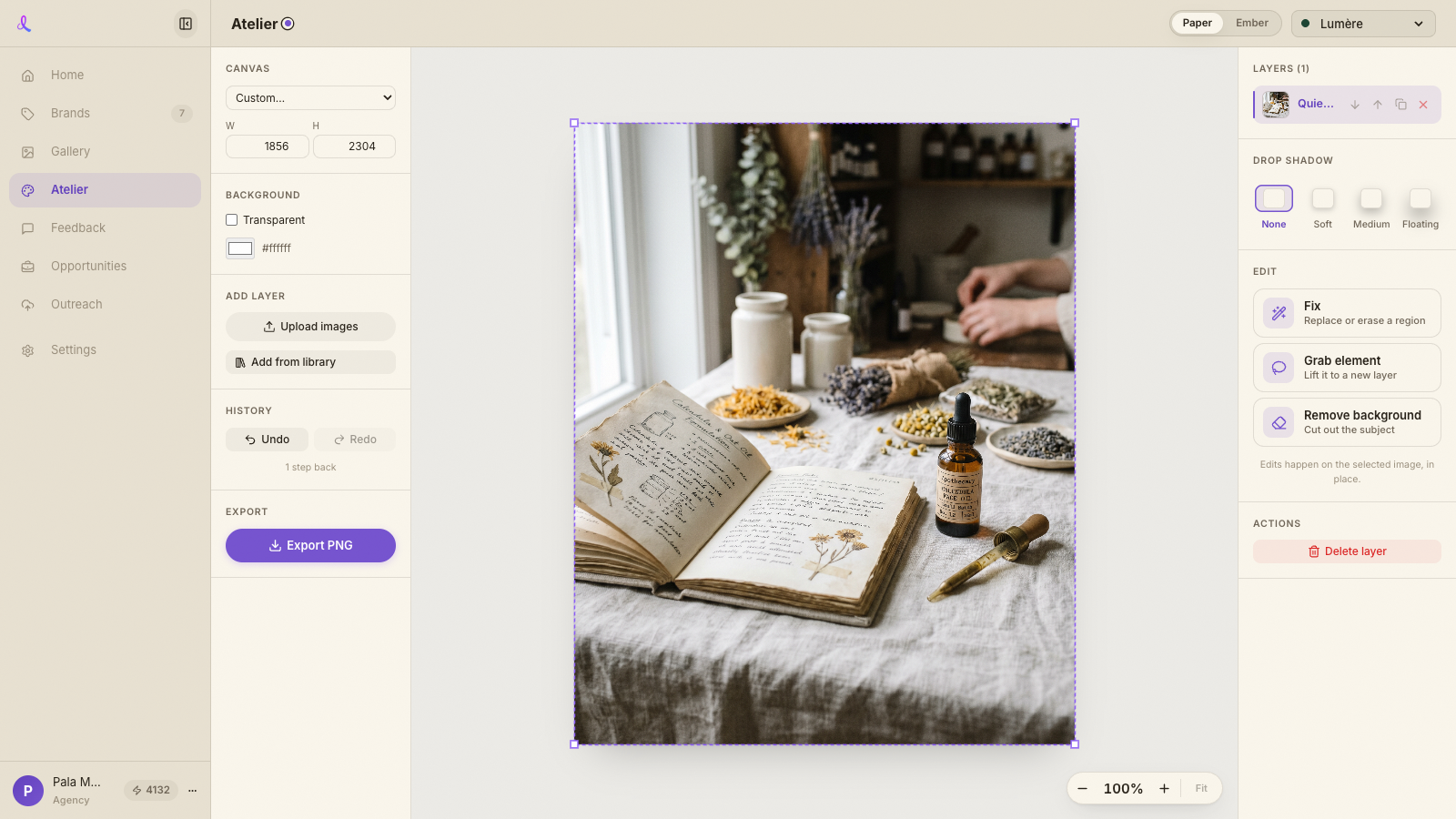
Atelier is Dezygn's final mile — the place you go to *finish* a visual after AI has generated it. Generation gets you 90% of the way; Atelier is where you make the precise, deterministic fixes that generation can't reliably do — swap a single detail, erase a stray object, lift an element onto its own layer, or cut out the background — and then compose those pieces into one ship-ready image. It lives in its own sidebar tab and works from the visuals you already have: pull any frame from your Gallery, any saved ingredient, or an upload, edit it right on the canvas, and export.
How it works
- Pick a brand, pull a visual. Atelier is brand-scoped, like your ingredients and campaigns. Choose the active brand, then Add from library to browse your Gallery (any brand, campaign, or favorites — the same controls as the Gallery page), pick a saved ingredient, or upload a file. Uploads are saved as a reusable brand ingredient, so nothing is an orphan.
- Edit in place. Select an image on the canvas and the inspector shows the edit tools. There's no separate editor window — you work directly on the image where it sits.
- Compose. Add more visuals as layers, position them, and give each a soft drop shadow. Zoom and pan the canvas to work precisely.
- Export. When it's right, export a single finished PNG — sized for the ad, the product page, or the deck.
The precision tools
- Fix → Replace. Paint a region, describe what should go there, and only that area regenerates — everything else stays exactly as-is. Great for swapping a numeral, a label, or a small detail.
- Fix → Remove. Paint a region and erase it — the object is removed and the background is rebuilt to match. Use this to clean up stray objects or artifacts.
- Grab an element. Drag a box around an object and Atelier lifts it onto its own layer (move it, resize it) while cleaning the original image behind it — the real "magic grab", so you don't end up with two of the same thing.
- Remove background. One click cuts the subject out to a clean, transparent image — ready to drop onto another background or composition.
Related articles
Didn't find what you needed?
Tell us what you're stuck on — a real human reads every message and replies within 24 hours on business days.