
Settings
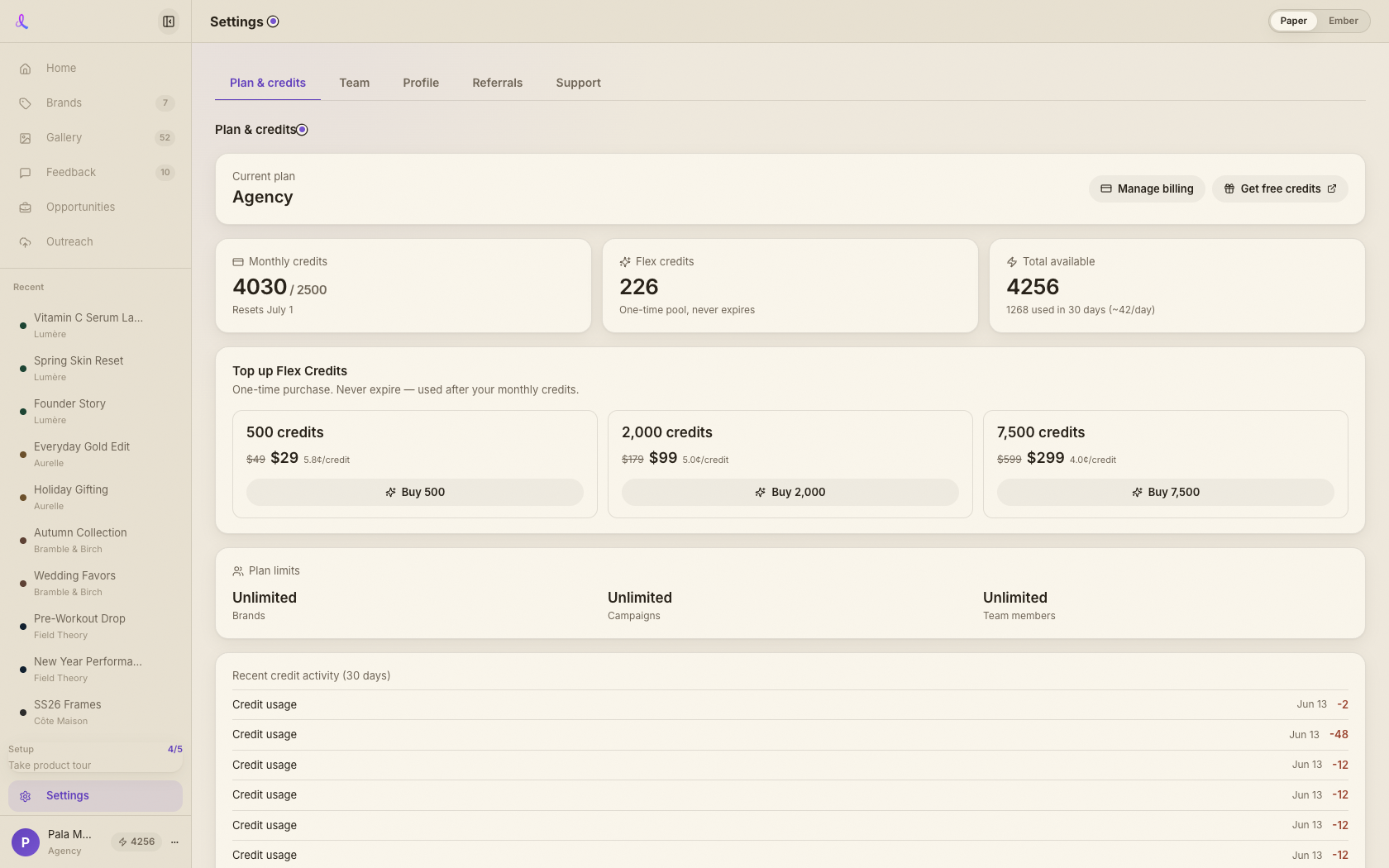
Settings is your account hub: see your plan and credits, manage your team and share-page watermark, edit your profile, grab your referral link, and reach support.
Updated 2026-06-13
Overview
Settings is your account hub. It's a full-width tabbed page that gathers everything about your account in one place: your plan and credits, your team and share-page watermark, your profile, your referral link, and a way to reach support. Each tab is deep-linkable (the active tab shows in the URL as ?tab=), so you can jump straight to the part you need.
What you can do here
- Plan & credits. See your subscription, your monthly, flex, and total credit balances, buy Flex-pack top-ups, review plan limits and recent credit activity, and open the billing portal.
- Team. Edit the team name, copy an invite link, manage the member list, and set your share-page watermark — upload or replace the image and toggle it on by default for shared galleries.
- Profile. Change your display name and password, and manage your Upwork application profile used by the Apply Kit.
- Referrals. Copy your referral link and track total, converted, and pending referrals.
- Support. Reach the Help Center or email support directly.
Didn't find what you needed?
Tell us what you're stuck on — a real human reads every message and replies within 24 hours on business days.