
Reviewing results on the canvas
Hero view, grid, compare, favorites — curating the keepers out of a working session.
Updated 2026-06-11
Professional sessions produce a lot of frames, and most of them are stepping stones. The Create canvas is built for fast, honest curation.
- Hero view for inspecting one frame large; grid view for scanning the whole session; a filmstrip along the bottom for jumping between frames.
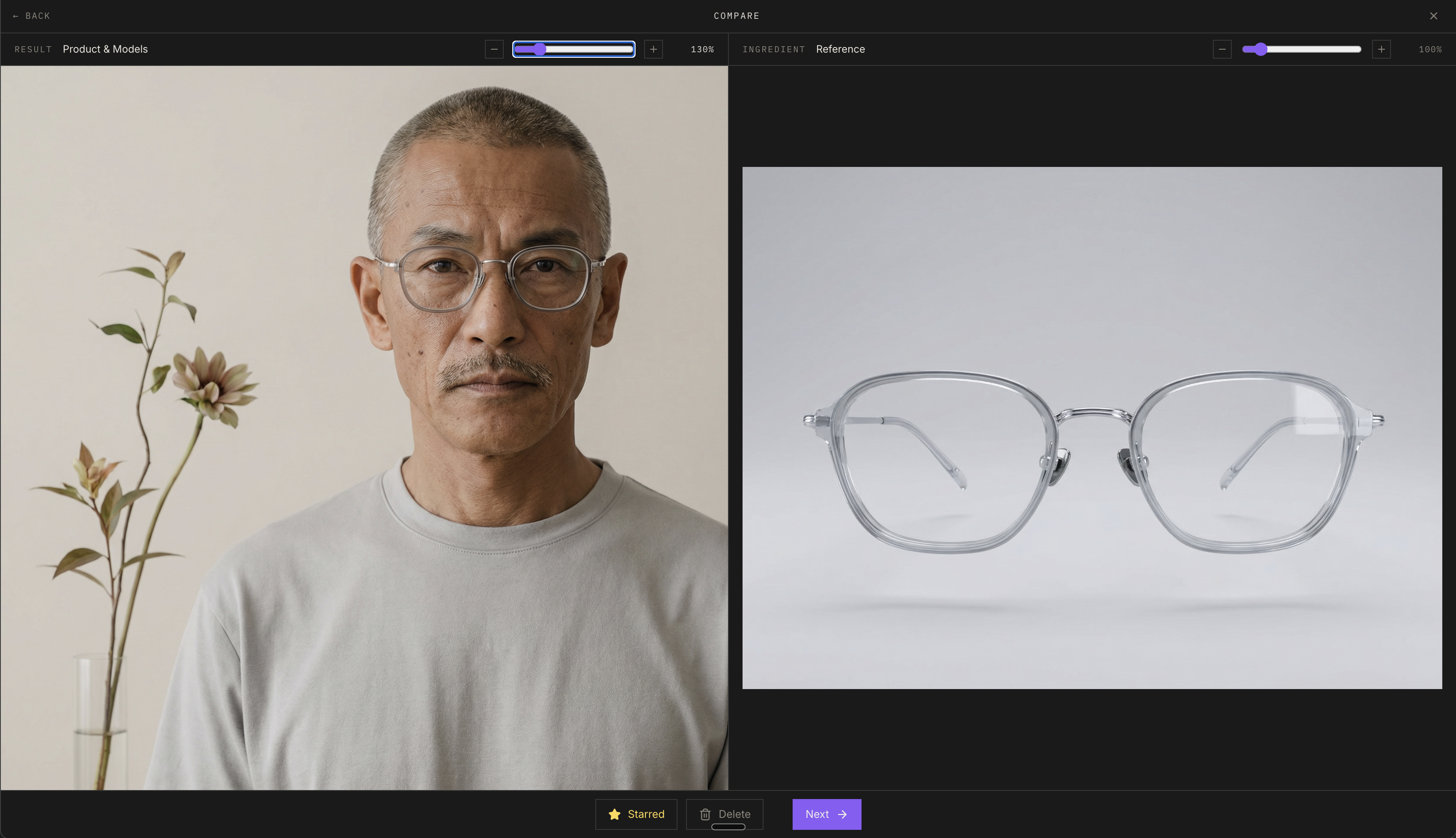
- Keyboard navigation: arrow keys move between frames, Enter opens compare, Enter again goes side-by-side with the source image, Escape backs out. Zoom in to check what clients actually notice — hands, label text, edges.
- Compare against the source ingredient to make sure the product is accurate — this is the "am I making a mistake?" check.
- Star the keepers (the button is top right on every frame) and toggle the favorites-only filter to see your shortlist.
- The action rail on each frame: favorite, compare, reply (which is edit — "remove her glasses"), zoom, info, gallery, favorites.
- The info drawer holds the prompt that made the frame, upscaling, save as ingredient, and delete (with confirmation).
Didn't find what you needed?
Tell us what you're stuck on — a real human reads every message and replies within 24 hours on business days.