Concept reviews
Get client sign-off on creative direction before you produce the full campaign.
Updated 2026-06-11
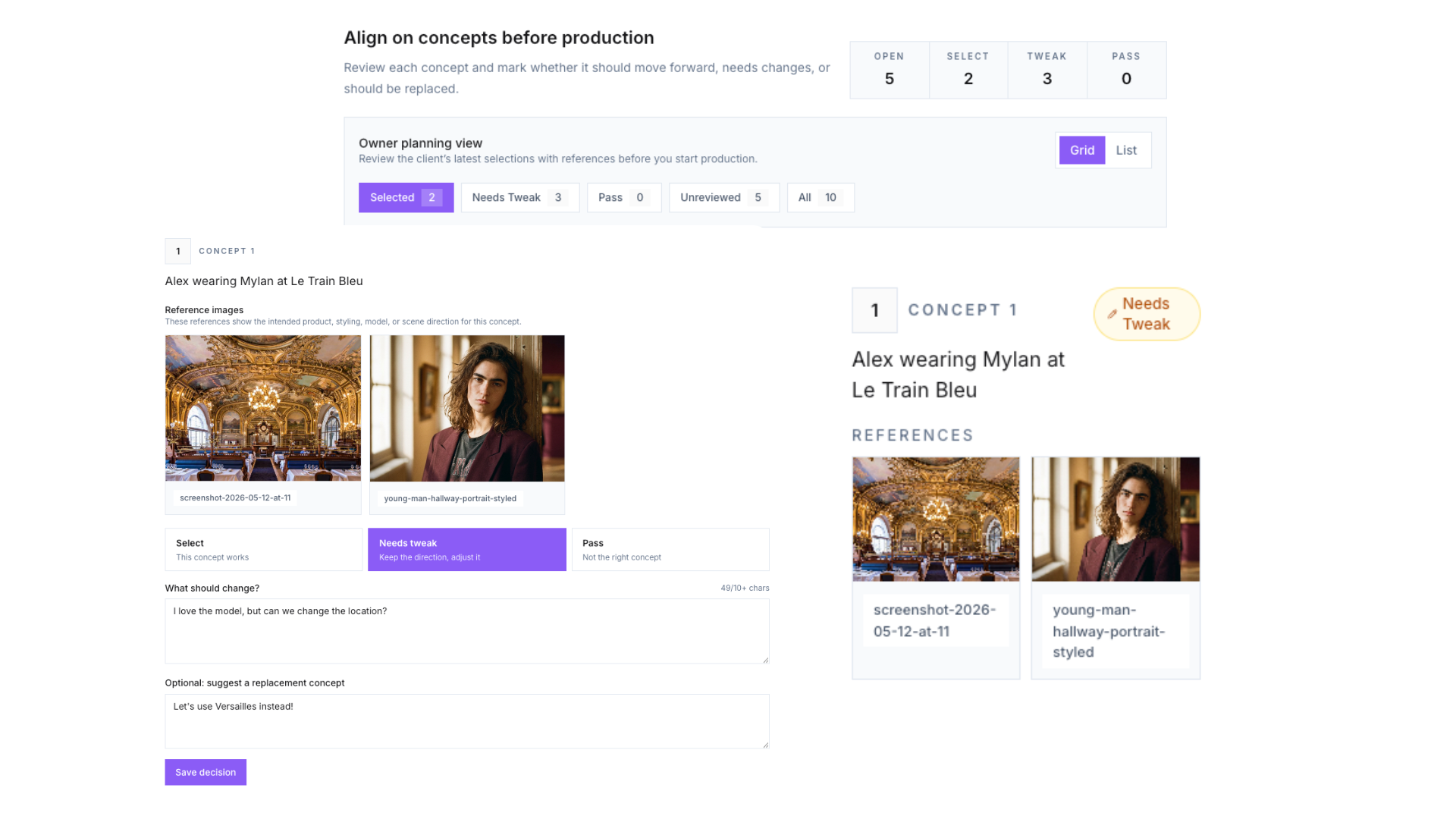
Concept reviews exist to prevent the worst outcome in retainer work: you produce a month of visuals, and the client likes none of the directions. Instead, you get them to approve the ideas before production — so by the time finals arrive, they already bought in.
What a concept is
Three to five words describing a shot, optionally with reference images attached: "runner with Nike shoes, close-up", "model wearing the product at golden hour, beach". That is enough for a client to react to. Where do ideas come from? The brand’s identity — its customers, products, locations — plus a quick Pinterest or web sweep for visual references.
Running a round
- 1From Feedback (or Concepts), choose Create concept review and pick the brand.
- 2Name the round — "May concepts", "Sample ideas".
- 3Add a concept per planned shot, attaching reference images or ingredients where they help.
- 4Create the link and send it. The client page asks them to review each concept and mark it: move forward, needs tweaks, or replace.
- 5Decisions land in your Feedback inbox. Produce the month’s images against the approved concepts.
Related articles
Didn't find what you needed?
Tell us what you're stuck on — a real human reads every message and replies within 24 hours on business days.