
Prompt Canvas
The prompt behind every frame, made readable — compare two frames word-by-word, edit the exact text, and resend it verbatim. Awa writes the words; you direct.
Updated 2026-06-13
Overview
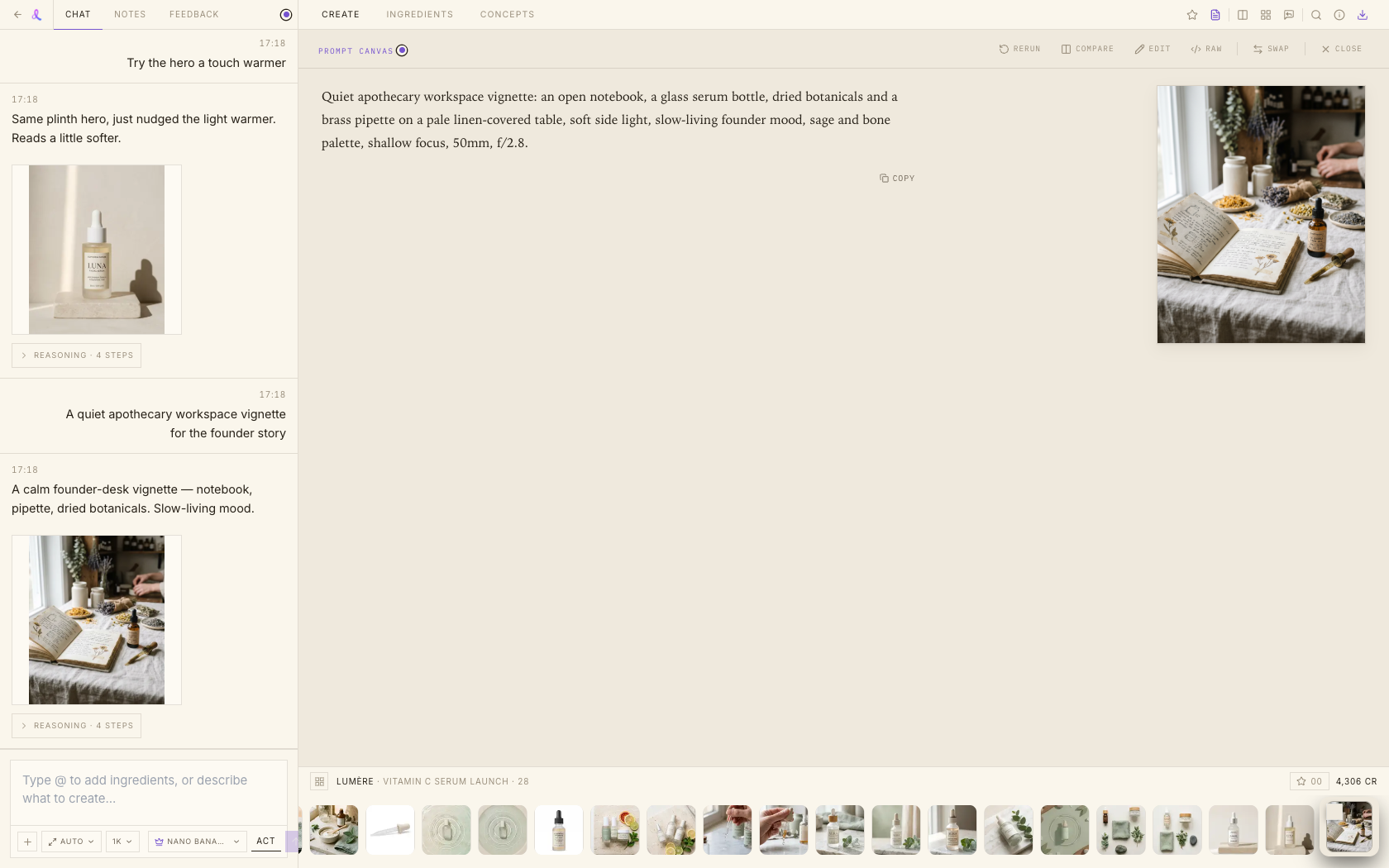
The Prompt Canvas makes the prompt a first-class citizen — the idea we call *the Tao of the Prompt*. Instead of a prompt buried in a chat bubble, it occupies the canvas: readable, comparable, editable, and resendable. You stay in control of the exact words behind every image, while Awa still does the heavy lifting of writing them.
How It Works
- Open it. Use the *Prompt* toggle in the workspace action rail, or click the prompt excerpt in a frame's info drawer.
- Read it. The prompt is laid out one sentence per line in a serif reading view; [image1]-style reference tokens render as inline chips. A *Raw* toggle shows the byte-exact text for copying.
- Compare two frames. Select a second frame from the strip — the canvas shows both thumbnails and a single merged prompt with a word-level diff (green additions, red deletions), so you can see exactly what changed between two shots.
- Edit and resend. Edit the raw text directly. The send button surfaces an "N words changed" badge and dispatches your wording verbatim, with prompt enhancement off, so what you wrote is what runs.
Related articles
Didn't find what you needed?
Tell us what you're stuck on — a real human reads every message and replies within 24 hours on business days.