
Feedback
Feedback is the single place every reaction lands — visual review rounds and concept decisions, grouped by round, filterable by status, so nothing a client said gets lost.
Updated 2026-06-13
Overview
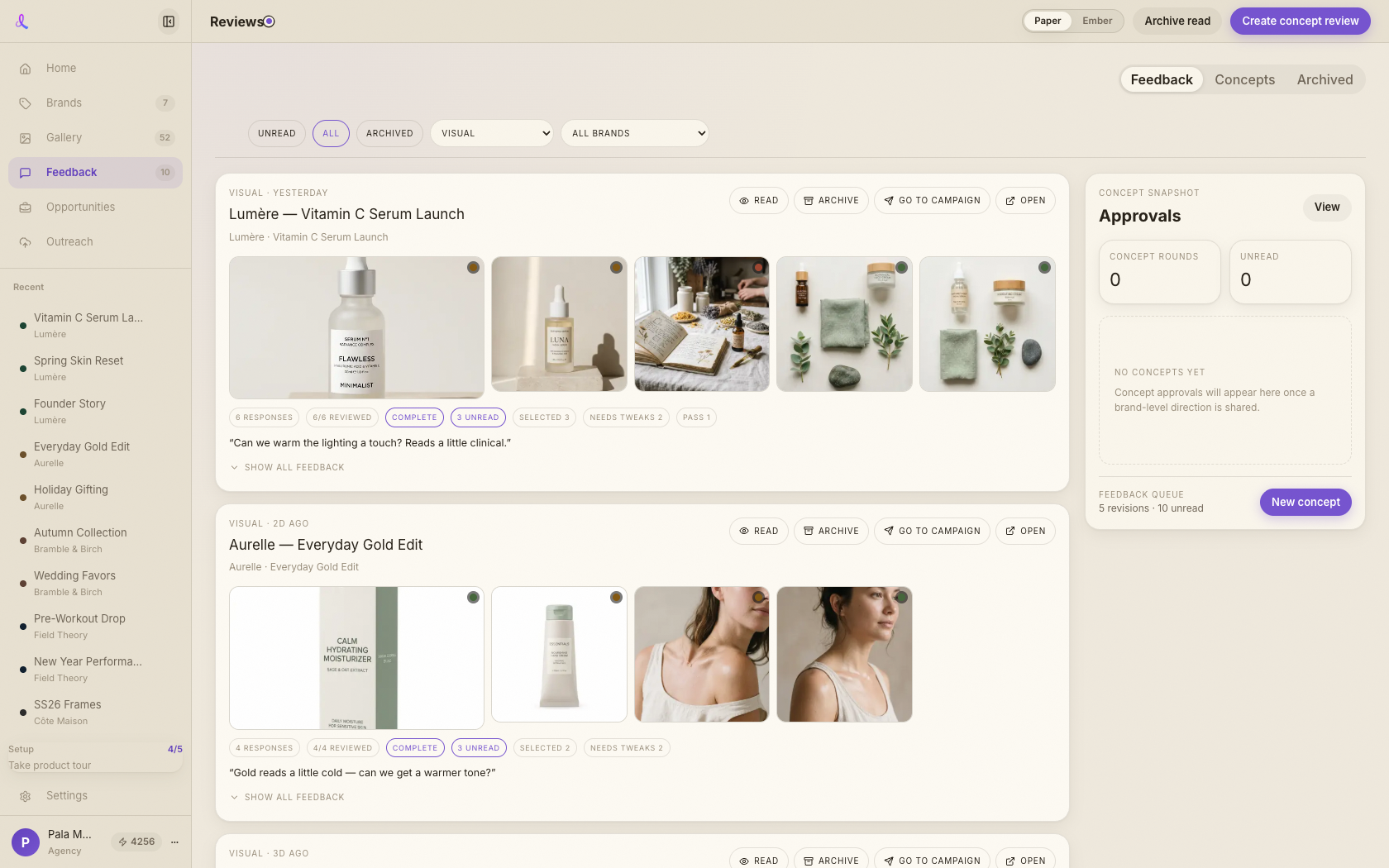
Feedback is your review inbox. When a client rates a frame on a shared link or decides on a brand concept, it lands here — not scattered across email threads. Visual review rounds and concept decisions sit in one queue, grouped by round, so you can see what's outstanding across every brand and campaign and act on it in one place.
What you can do here
- Read the room at a glance. The page header counts unread work, brands in view, and how many visual versus concept rounds are open.
- Filter the queue. Narrow by status, review kind (visual or concept), and brand — both kinds share one list, so nothing hides in a separate tab.
- Act on each round. A round card can open the public share link, jump to the source campaign, mark read, or archive. Deletes go through a confirm step.
- Turn feedback into a revision. A "needs tweaks" or "pass" note can be sent straight into revision chat — Awa picks up the reviewed frame and the client's words so you revise from context.
Related articles
Didn't find what you needed?
Tell us what you're stuck on — a real human reads every message and replies within 24 hours on business days.